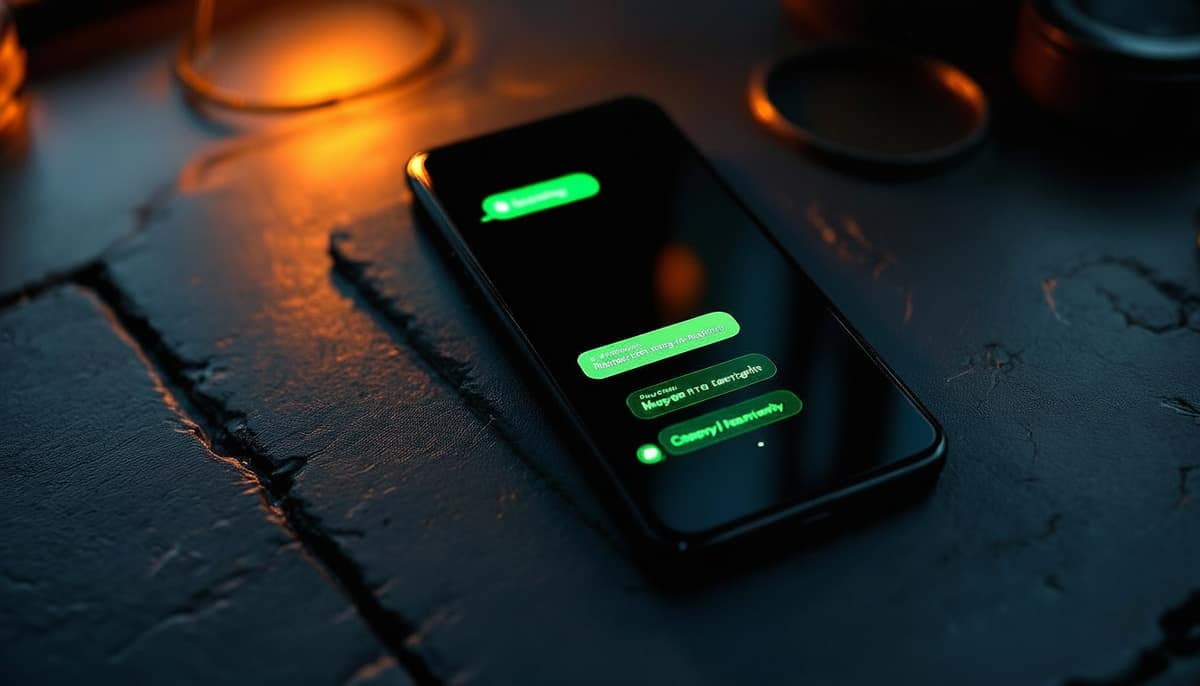
WhatsApp is the busiest customer service channel in Indonesia. Indonesian consumers open WhatsApp 30+ times a day — far more than Instagram or email. From a business perspective, that means every minute of response delay on WhatsApp translates into a real opportunity cost.
The question isn't “do we need a WhatsApp chatbot” — it's “how do we build one that doesn't sound like a generic robot.” This article is a practical guide for SME founders without a technical background.
Two types of chatbot — pick the right fit
The first type is rule-based. You write if-then-else logic: if the customer types “price,” send reply A. This approach is free to low-cost, but it feels rigid and customers quickly realize they're talking to a robot.
The second type is AI-native. The system reads the conversation context, understands customer intent, and replies in your brand voice. The cost is higher (entry-level packages run Rp 300–500 thousand per month), but conversion rates typically climb 2–3x.
Seven steps to set up a chatbot without coding
- Choose a platform — we recommend one that supports the official WhatsApp Business API (not unofficial), so the risk of being blocked is zero.
- Register for the WhatsApp Business API through an official partner (Meta-verified BSP). The process takes 2–5 days.
- Verify your business number; prepare company documents (NIB / NPWP) to qualify for a green tick.
- Set up your brand voice in the platform: tone (formal/casual), default language, greeting style, and signature.
- Build your knowledge base: product catalog, pricing, FAQs, return policy, and operating hours.
- Configure escalation: define when the AI hands off to a human staff member (e.g., customer requests a refund, mentions a serious complaint, or raises a topic outside scope).
- Soft-launch with 10% of your traffic first. Review 50 conversations, make corrections, then roll out fully.
Brand voice — the most overlooked variable
Most WhatsApp chatbots fail not because of the technology, but because the tone doesn't match the brand. A premium F&B brand shouldn't reply with a casual “Hey there, how can I help you?” A warmer SME brand shouldn't sound stiff with “Please wait, our customer service team will respond shortly.”
The most reliable approach: collect 100 examples of your best staff replies (or the founder's own replies), and feed them in as training data. The AI learns from real patterns rather than guessing.
Integrations that turn your chatbot into a growth engine
| CRM (HubSpot / Spreadsheet / Notion) | Auto-save contacts + customer segmentation |
| Payment gateway | Customers pay directly without leaving WhatsApp |
| Google Calendar | Auto-schedule reservations and appointments |
| POS (for F&B / retail) | Sync menu, inventory, and promotions |
| Reservation system | Auto-confirm booking slots |
Estimated total monthly cost
The cost breakdown: 1) WhatsApp Business API license (per-conversation fee, roughly Rp 350–650 per conversation), 2) chatbot platform (Rp 300 thousand–2 million per month depending on plan), 3) one-time setup fee (Rp 0–3 million).
For an SME with monthly revenue of Rp 50–100 million, budget Rp 700 thousand–1.5 million per month all-in for an AI-native WhatsApp chatbot. A typical ROI becomes visible around day 30–45.
Three mistakes that kill WhatsApp chatbots
- Using an unofficial gateway (WA-Web / WhatsApp Web bot). The risk of Meta blocking your number is high. Choose an official BSP from the start.
- Not setting up escalation. The AI ends up responding to serious complaints with the wrong tone, and your brand takes the hit. Always build in a route to a human.
- Set-and-forget. Brand voice needs fine-tuning during the first 2–4 weeks. Without early supervision, the AI learns the wrong patterns.
A final note: a WhatsApp chatbot is not a magic button. What makes it work is discipline around tone, thoughtful integrations, and a weekly audit rhythm during the first 60 days. After that, most customers will struggle to tell whether they're chatting with AI or a human staff member — and that's the real win.
Pertanyaan yang sering diajukan
Do you need to know how to code to build a WhatsApp chatbot for your business?
No. You can build a WhatsApp chatbot without any coding using a ready-made platform. You simply configure the brand voice, knowledge base, and escalation rules through the user interface. Spicelab is an AI customer service platform for WhatsApp and Instagram that communicates in natural Indonesian, so Indonesian businesses can get started without any technical expertise.
What is the difference between a rule-based chatbot and an AI-native chatbot?
A rule-based chatbot operates on if-then-else logic — it's inexpensive but feels rigid and is easy for customers to identify as a robot. An AI-native chatbot reads the conversation context, understands customer intent, and replies in your brand voice. Spicelab uses an AI-native approach with industry-specific brand voice, so responses feel natural and consistent with your business character.
How much does Spicelab cost for a WhatsApp chatbot?
Spicelab offers transparent pricing across three tiers: Lite at Rp 390.000 per month, Pro at Rp 1.490.000 per month, and Suite at Rp 4.900.000 per month. In addition to your tier, there is a Spark top-up at Rp500 per reply and a channel dimension. You can choose the tier that fits your conversation volume and integration needs.
Is there a limit on the number of customer contacts in Spicelab?
No. Customer contacts in Spicelab are unlimited, so you never have to worry about paying more as your customer base grows. This is different from many platforms that charge based on contact count. You can also try the service with a free 7-day trial before committing to a subscription.
Can the AI stop replying when a quota runs out?
No. On Spicelab, the AI never stops replying because a multi-layer economy mode keeps conversations running. Your customers always get a response without interruption, so no sales opportunity is lost. You can still add capacity through a Spark top-up if you need a larger volume.
Set up your brand's WhatsApp chatbot — we'll guide you from day one
Our AI Business Consultant will walk through your inbound volume and integration needs, then send you a PDF with platform recommendations and a full monthly cost estimate.