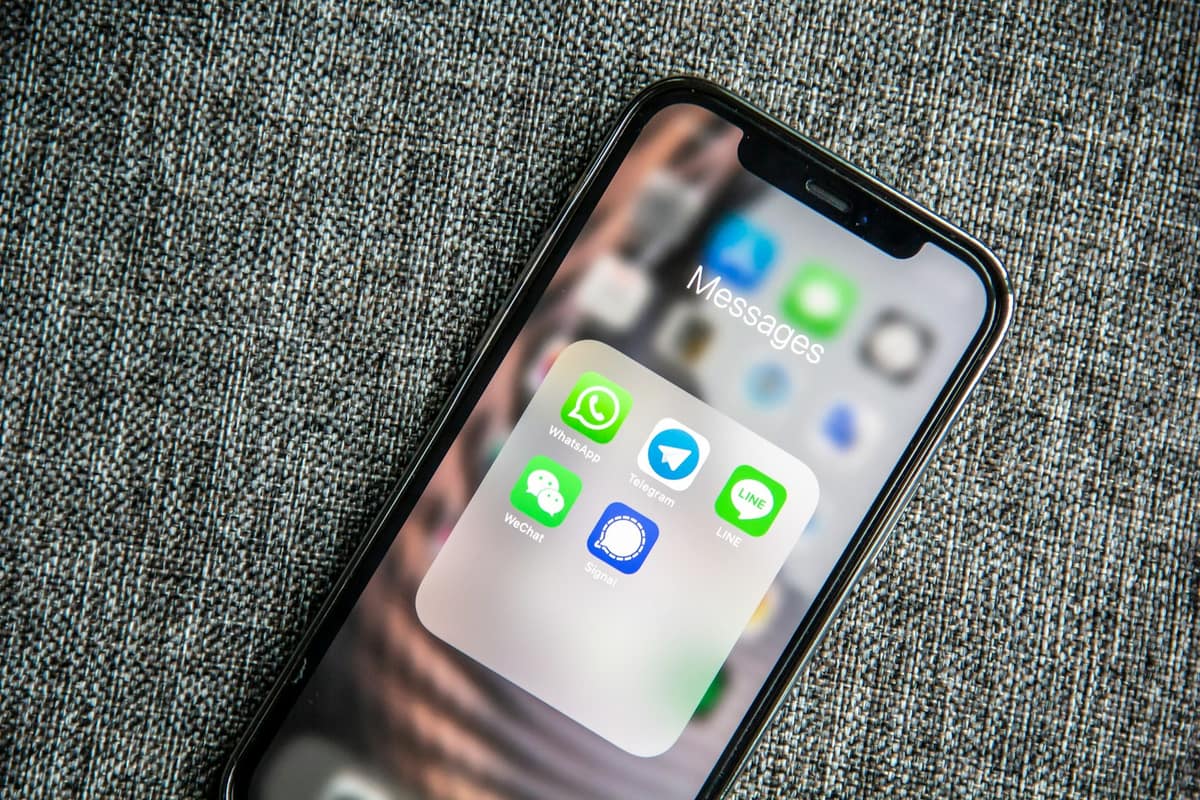
Almost every local Indonesian business starts out on the owner's personal WhatsApp number. It's convenient, free, and customers already know it. Problems only surface when chat volume triples or quintuples in a matter of months — messages pile up, one number becomes a bottleneck, and some of the founders we've worked with even got their accounts banned mid-campaign because of too many outgoing chats.
The question that keeps coming up: exactly when should you move to the WhatsApp Business API? Not every business needs to upgrade. Some actually lose time if they migrate too early. Here are the field signals we use to recommend an upgrade.
5 signs your business is ready to upgrade
- You or your admin are regularly missing chats overnight — and customers are starting to complain about slow response times.
- Two or more staff members are already taking turns sharing the same phone.
- Your personal WhatsApp has been flagged, warned, or restricted for suspected spam.
- You want to integrate with a CRM, Google Sheets, or an analytics dashboard but can't because it's a personal account.
- You need to send official broadcasts (promotions, reservation reminders, follow-ups) to more than 256 contacts at once.
The signal we see most often is number three: the owner's personal WhatsApp suddenly gets restricted from sending messages, right in the middle of a peak Eid campaign. That risk is real — and there's no fast appeals process. You can lose access to thousands of contacts overnight simply because a personal account was flagged.
Technical differences: WhatsApp Business App vs. Business API
| WhatsApp Personal | For personal communication. Not permitted for high-volume business use. |
| WhatsApp Business App | Free, limited to 1 device, up to ~256 contacts per broadcast. Suitable for solopreneurs. |
| WhatsApp Business API (via BSP) | Pay-per-conversation, supports multiple agents, integrates with your systems, and scales to thousands of chats per day. |
The Business API doesn't have its own standalone app. You access it through a Business Solution Provider (BSP) — such as the one Spicelab uses behind the scenes. The admin-facing interface is typically a web dashboard or a third-party application.
Realistic costs in 2026 — it doesn't have to be expensive
WhatsApp Business API costs break down into two parts: per-conversation fees to Meta (very small — a few hundred Rupiah per conversation) and the platform or BSP fee. Many founders get scared off by stories of multi-million-Rupiah monthly bills — but those are enterprise platform costs, not the WhatsApp fees themselves.
| Meta conversation fees | Rp 200–800 ribu |
| Standard BSP platform | Rp 500 ribu – 1,5 juta |
| Spicelab AI Customer Service Lite (API access included) | Rp 390 ribu |
| Realistic total for SMBs | Rp 700 ribu – 2 juta / month |
For context, hiring a standard night-shift admin in Jakarta currently runs Rp 4–5 juta per month, plus BPJS and holiday pay. If five to ten leads are leaking every day because of slow response times, the migration pays for itself within weeks.
14-day migration checklist
- Days 1–2 — Audit your chat volume: total per day, inbound/outbound ratio, percentage arriving outside business hours.
- Day 3 — Prepare a new number (recommended) or migrate your existing one. Note: migrating your existing number is irreversible and will log out all personal devices.
- Days 4–5 — Sign up with a BSP or an AI platform like Spicelab; submit your business legal documents.
- Days 6–7 — Complete Meta Business Verification (Facebook Business Manager). Usually takes 24–48 hours, sometimes up to 5 business days.
- Days 8–10 — Set up message templates (for broadcasts and re-engagement). Meta must approve each template individually.
- Days 11–12 — Integrate with your CRM or Google Sheets. Spicelab handles this automatically.
- Day 13 — Soft-launch to 20% of traffic. Monitor delivery rates.
- Day 14 — Full migration. If you're switching numbers, forward the old number to an automated voicemail.
When you should NOT upgrade yet
Upgrading isn't free in terms of setup time. If your business is still early-stage with fewer than 500 chats per month, you're running it solo, and you don't yet need official broadcasts — the standard WhatsApp Business App is enough. Invest in product-market fit first, then think about automation.
“Automation deployed too early hides product problems that aren't actually solved yet. The best approach is to scale manually until patterns are clear, then automate.”
— Spicelab internal notes, from consultations with 200+ SMB founders
Next steps
If you're unsure whether your current chat volume warrants an upgrade, Spicelab's AI Business Consultant can help you calculate it from your actual inbound data — not estimates. The diagnosis is free, and the output is a concrete recommendation: migrate now, wait 3 months, or simply optimize your current process first.
Pertanyaan yang sering diajukan
When does my business need to upgrade from personal WhatsApp to the Business API?
You should upgrade when you're consistently handling 1,000 or more chats per month, need multiple agents taking turns, want integration with a CRM or Google Sheets, or have already received a warning or account restriction. If volume is still below 500 chats and you can manage it on your own, it's better to wait.
What's the difference between the WhatsApp Business App and the WhatsApp Business API?
The WhatsApp Business App is free but limited to one device and around 256 contacts per broadcast — fine for solopreneurs. The WhatsApp Business API is pay-per-conversation, supports multiple agents, integrates with other systems, and can handle thousands of chats per day. The App still runs on a personal account under the hood, so the ban risk remains.
What are realistic WhatsApp Business API costs for an SMB in 2026?
Realistic total costs for an SMB range from Rp 700 ribu to Rp 2 juta per month, covering Meta conversation fees and the platform fee. As a cost-efficient alternative, Spicelab's AI Customer Service Lite plan is Rp 390.000 per month with API access included — far less than hiring a night-shift admin.
Can a personal WhatsApp account really get banned when used for business?
Yes — this is a genuine risk. Personal accounts used for high-volume business activity can be flagged, warned, or restricted for suspected spam, especially during busy campaign periods. There's no fast appeals path, which means you could lose access to thousands of contacts. The Business API is the only official channel for business-scale use.
Does Spicelab limit the number of contacts or customer conversations?
No. Spicelab does not cap customer contacts, so the AI customer service keeps replying to every chat without interruption through a layered efficiency mode. Three tiers are available at transparent pricing: Lite Rp 390.000, Pro Rp 1.490.000, and Suite Rp 4.900.000 per month, plus a free 7-day trial so you can try it first.
Audit your chat volume first — free 15-minute diagnosis
Send a screenshot of your WhatsApp inbox to our AI Business Consultant. You'll get an estimate of how many leads you're leaking per month in Rupiah, plus a clear recommendation on whether upgrading to the WhatsApp Business API makes sense right now.